
Richmond Water Polo Club
Richmond Team Hub
What is the Richmond Team Hub?
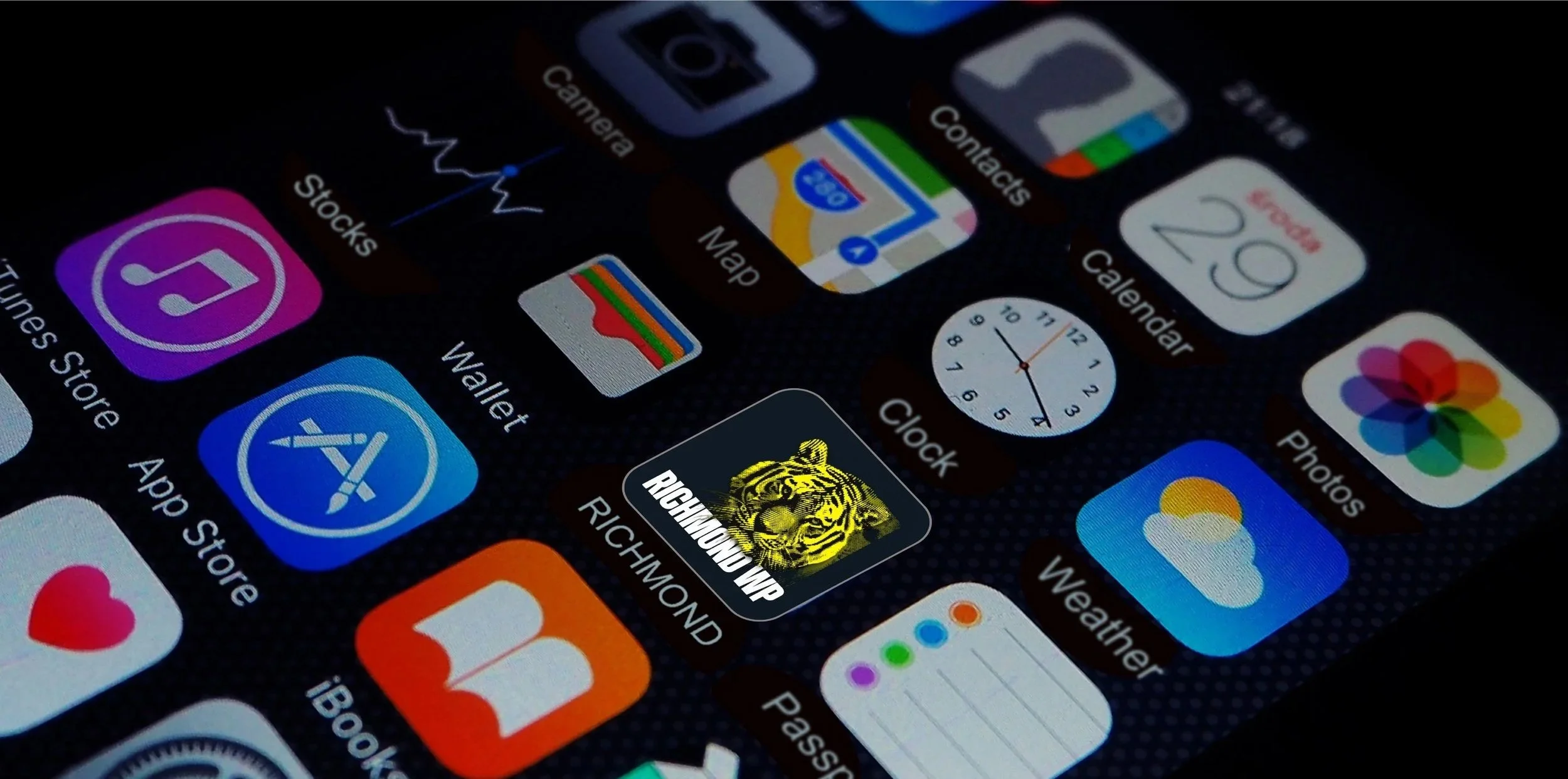
The Richmond Team Hub is a quick-access page that shows your team’s training schedule, contacts, upcoming fixtures and club updates all in one place. Save it to your phone’s home screen and it opens instantly, just like an app icon, without needing to download anything from the App Store or Google Play.
Add It to Your Home Screen
iPhone (Safari)
- Open Safari and go to the Team Hub link above.
- Tap the Share icon (square with an arrow pointing up) at the bottom of the screen.
- Scroll down and tap Add to Home Screen.
- Edit the name if you’d like, then tap Add in the top right.
- The icon now appears on your home screen – tap it anytime for quick access.
Android (Chrome)
- Open Chrome and go to the Team Hub link above.
- Tap the three-dot menu icon in the top right corner.
- Tap Add to Home screen (on some phones this says Install app).
- Confirm the name, then tap Add.
- The icon now appears on your home screen for one-tap access.